For research teams and clients
Check your survey firm's data yourself, every day.
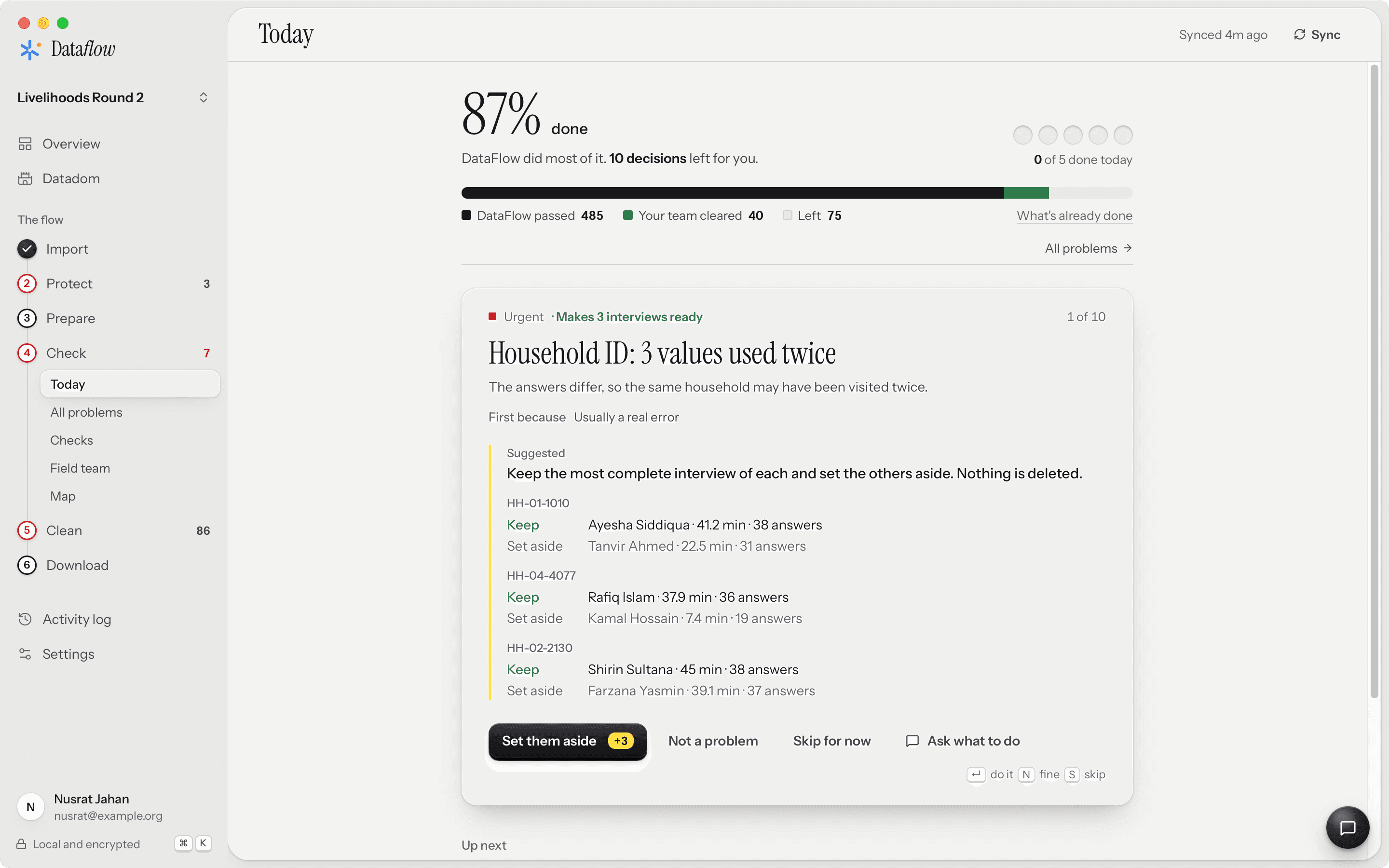
Connect DataFlow to the firm's server, or import the files they send. The checks run on your computer on every new batch of interviews, while the team is still in the field and problems can still be fixed.
On your computer, read only
Sign in to the firm's SurveyLoopr, SurveyCTO or ODK Central server, or import their CSV and Excel exports. DataFlow only reads: it never changes anything on the server, and the data stays on your computer, encrypted.
Problems you can raise the same day
Duplicates, interviews that were too short, outliers, skipped questions, answers that break the form's own rules, and interviews that may be made up. Each problem names the interviews and enumerators behind it, so you can ask the firm about it while they're still in the villages.
A report from your firm you can open
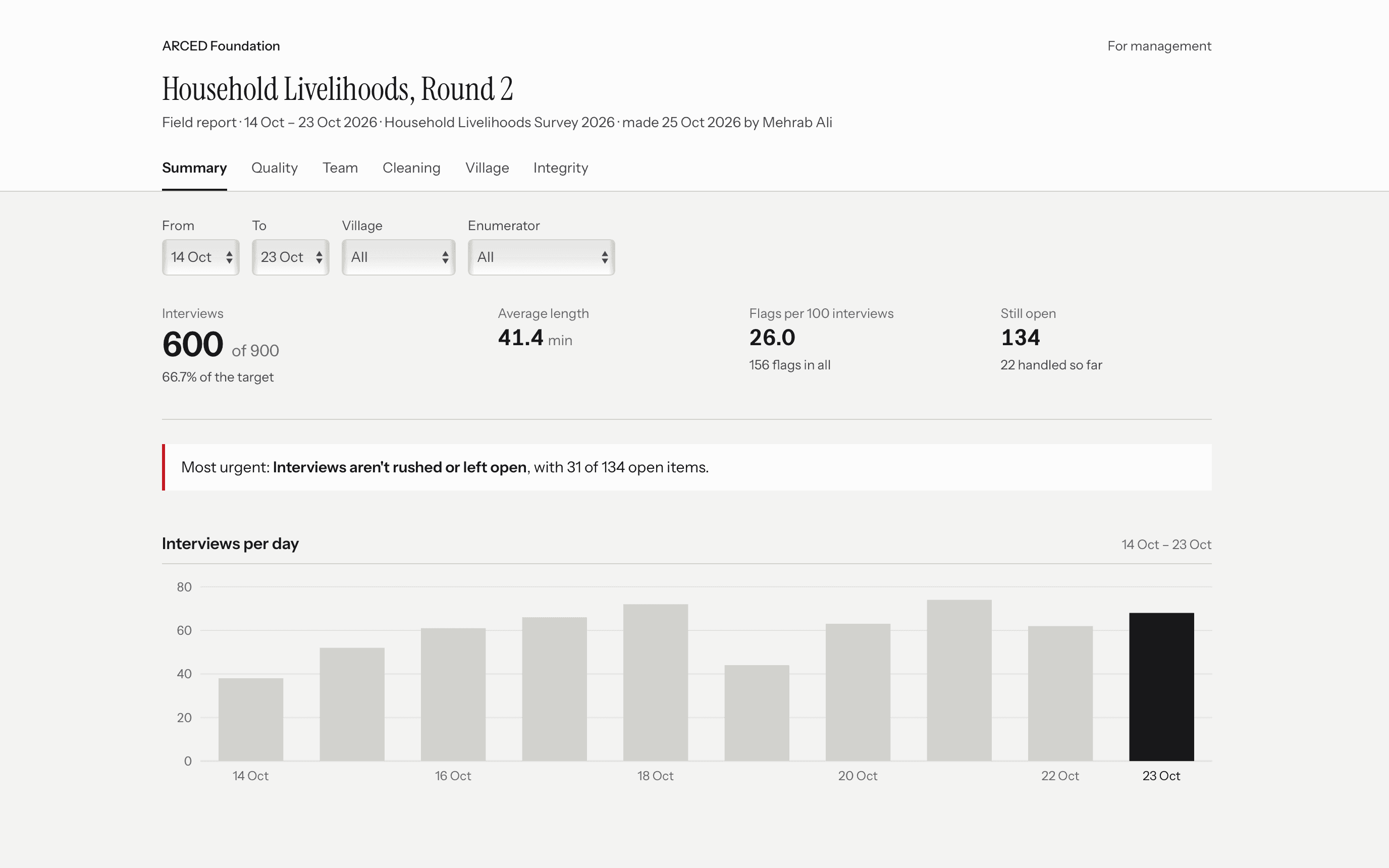
Ask the firm for a Field Report each week: one file that opens in any browser, with progress, every check and how each problem was handled. No login, no install.
Write it into the terms of reference
Ask for weekly Field Reports and, with the final data, the do-file that rebuilds it from the raw interviews. When both sides run DataFlow, you look at the same checks.
- Weekly Field Report while data is collected
- The cleaning do-file and correction log with the final data
- Raw data handed over unmodified